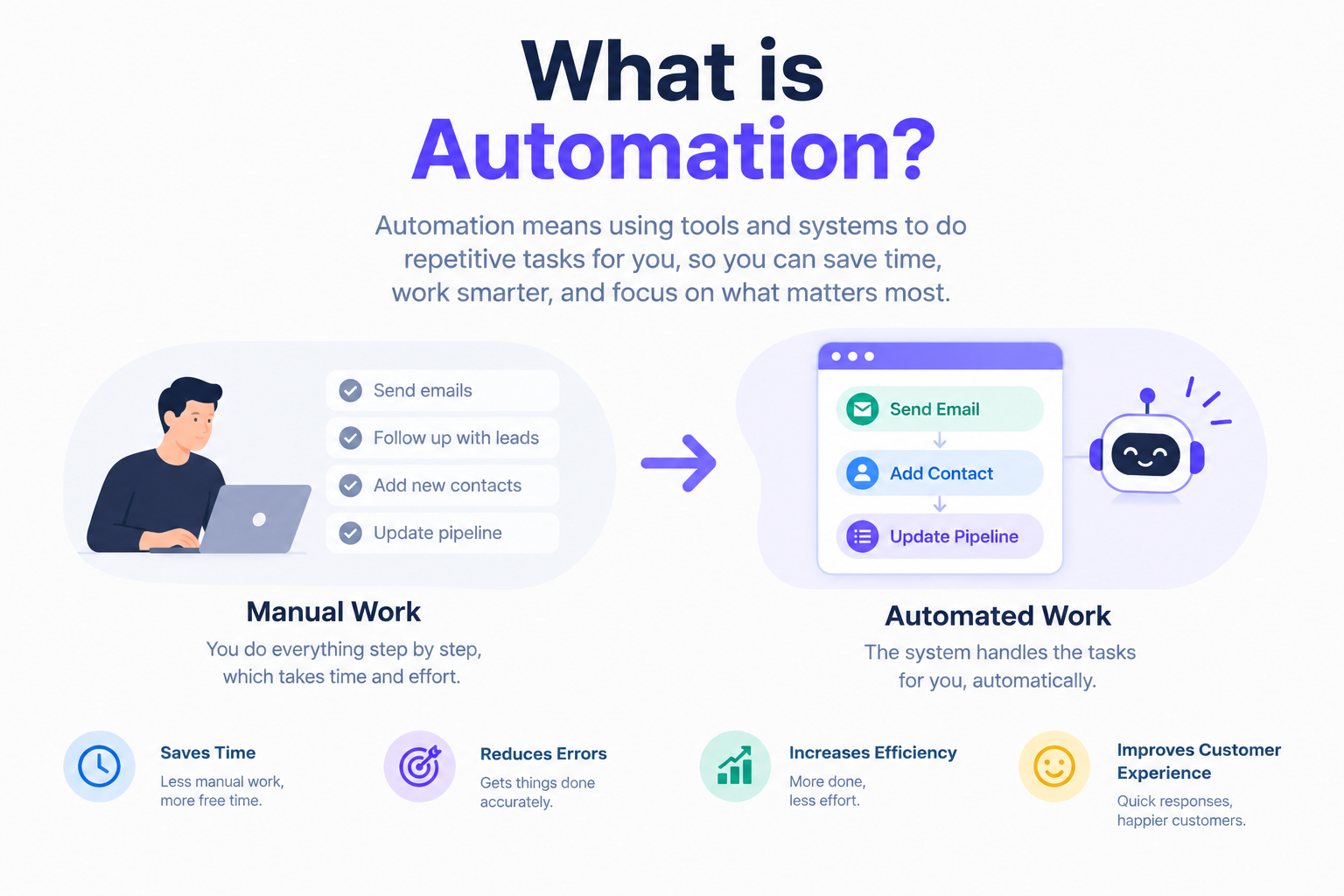
What is automation?
Introduction:
A new lead comes in, and you respond. Someone books a call, and you confirm. They no-show; you follow up. An appointment gets moved; you send a reminder. A deal closes, and you send onboarding info. Over and over, day after day, the same sequence with slightly different names and details.
Eventually you hit a wall. You forget to follow up with someone. You send the wrong message to the wrong person. You lost a lead because you were busy with something else, and by the time you got back to them, they'd already moved on. The manual approach doesn't scale, and it's full of holes.
That's what workflows in GoHighLevel exist to fix. A workflow is basically you teaching the system how to handle a situation so it can do it for you next time. You build the sequence once, and then every time the trigger happens, the system runs it again—no, you require it.
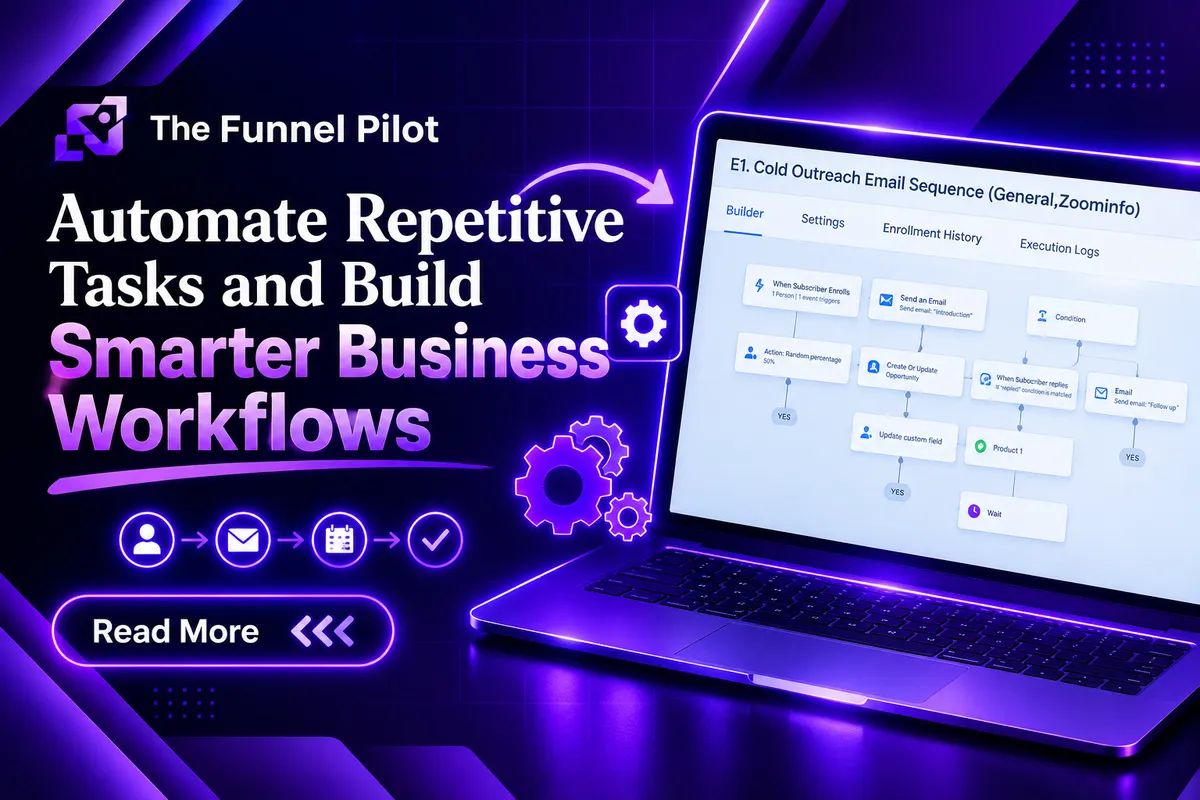
What is the working of workflow:
At its core, a workflow is just a set of instructions. When X happens, do Y, then Z, then wait a bit, then do W. That's it. You're telling GHL what should happen when something specific occurs and then stepping out of the way.
Here's a dead simple example. Someone fills out a form on your website. The workflow fires. It sends them a welcome text. It sends them a welcome email. It adds a tag to their contact. It creates an opportunity in your pipeline. It pings your sales team. Then it waits a day and sends a follow-up. Then it checks whether they booked an appointment, and if they did, it stops. If they didn't, it would keep going.
You didn't send any of those messages. You didn't create the opportunity. You didn't notify your team. The workflow did all of it, the same way, every time, because that's what you told it to do.
Create a workflow step by step:
People categorize workflows a hundred different ways, but in practice you keep coming back to the same handful.
Lead capture workflows are the ones that fire the second a new lead shows up. The form gets submitted, and the workflow creates the contact, tags them, sends a welcome message, opens an opportunity, and notifies your team. The lead gets an instant response, and your team gets an instant heads-up. Nobody's sitting around waiting for someone to check the inbox.
Follow-up workflows are where most of the magic happens. Most leads don't buy on first contact. They need multiple touches. A follow-up workflow sends a text, waits, sends an email, waits, sends another text, checks if they've replied, and either loops in your sales team or keeps nurturing. You set it up once, and it runs for every new lead without you think about it.
Appointment workflows handle everything around scheduled calls. Someone books, and the workflow sends a confirmation, updates the CRM, moves the opportunity, and starts a reminder sequence so they actually show up. Because sometimes people book a call and forget about it. A good reminder workflow helps remind them before the call.
Missed appointment workflows deal with the inevitable no-shows. Someone doesn't show up, and the workflow automatically reaches out with a "Hey, I missed you. Want to reschedule?" message and a booking link. You're not manually tracking no-shows and remembering to follow up—the system just does it.
Abandoned booking workflows catch the people who started booking an appointment but bailed before finishing. The workflow notices, waits a bit, and sends a nudge with the booking link so they can pick up where they left off. Those are leads you'd otherwise lose without ever knowing they were interested.
Pipeline workflows connect automation to your sales stages. When an opportunity moves from "new lead" to "qualified" to "appointment booked" to "proposal sent" to "won," the workflow can fire off different actions at each step. Move to appointment booked? Send confirmation, notify the workflow.
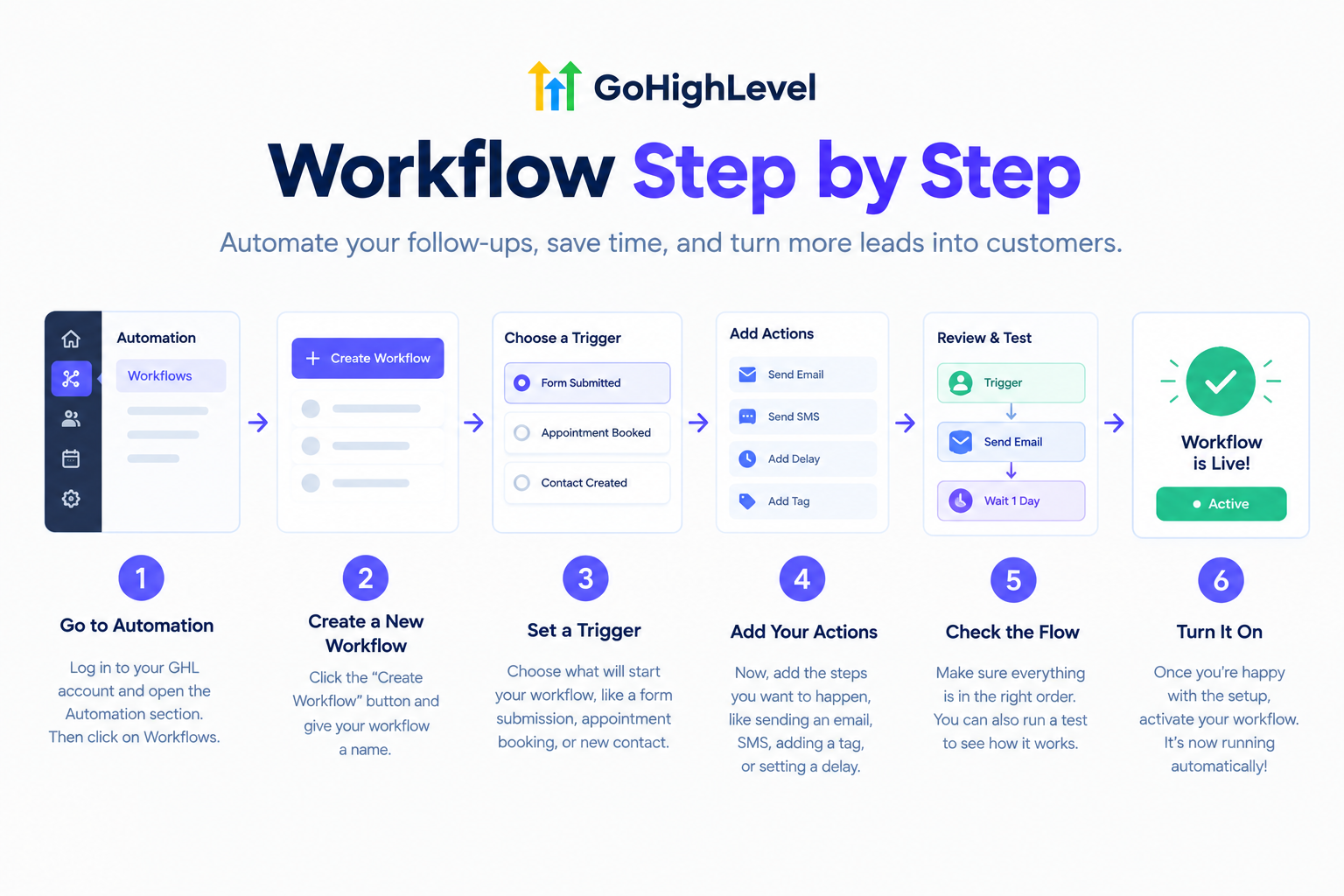
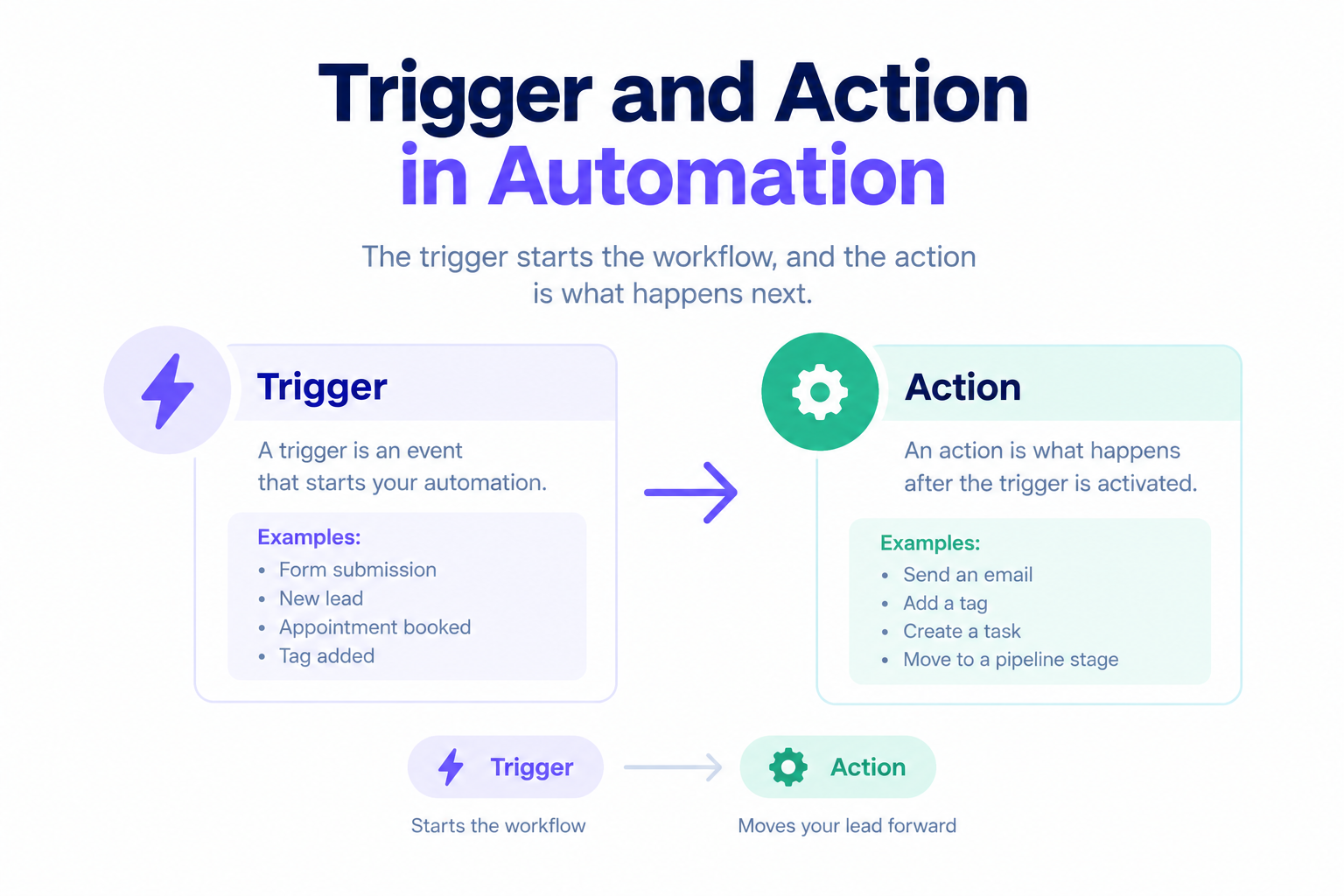
Triger and action in automation:
Triggers are the "when." Form submitted. Survey submitted. Appointment booked. Appointment status changed. Tag added. Tag removed. Opportunity created. The opportunity stage changed. Payment received. Product purchased. The customer replied. Contact created. Something happened, and now the workflow runs.
Actions are the "what." Send SMS. Send email. Add or remove a tag. Add or remove someone from a campaign. Create or update an opportunity. Move an opportunity in the pipeline. Create a task. Add a note. Send an internal notification. Wait. Branch with if/else logic. Update a contact field.
You don't need to memorize all of them. You just need to know that for almost anything you'd want to do manually, there's a trigger and an action that can do it automatically.
Why this actually matters for your business:
The obvious one is time. Every message a workflow sends is a message you didn't have to type. Every follow-up it handles is a follow-up you didn't have to remember. It can add up quickly. This helps you manage 20 leads a month or even 200.
But speed matters just as much. When someone submits a form, they're interested right now. A workflow can respond in seconds. A human might take hours, and by then the lead's already looking at a competitor. The business that responds first usually wins.
Consistency is the other big one. People are inconsistent. They forget, they get busy, and they have bad days. Workflows don't. They run the same sequence every time, for every lead, without skipping steps. Your follow-up doesn't depend on whether someone's having a good week.
And then there's scale. As you grow, the number of leads and customers grows too. Without automation, you'd need to keep hiring people to keep up. With well-built workflows, the same systems that handle 50 leads can handle 500 without breaking a sweat. The work doesn't multiply—it just keeps running.